AI Prompt Generator
Create clear, structured prompts from rough ideas for ChatGPT, Claude, Gemini, and other text models.
 Free Prompts
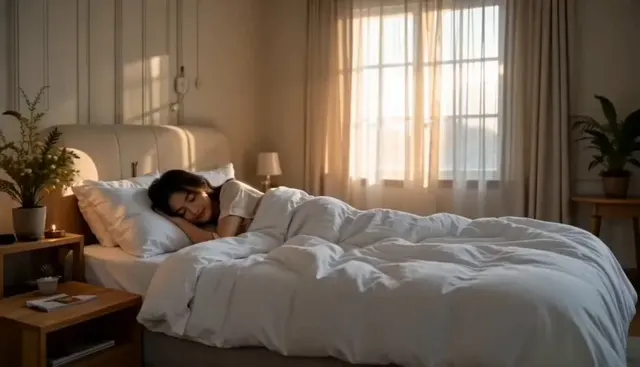
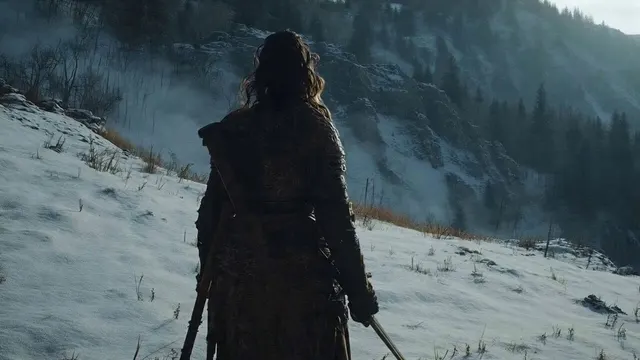
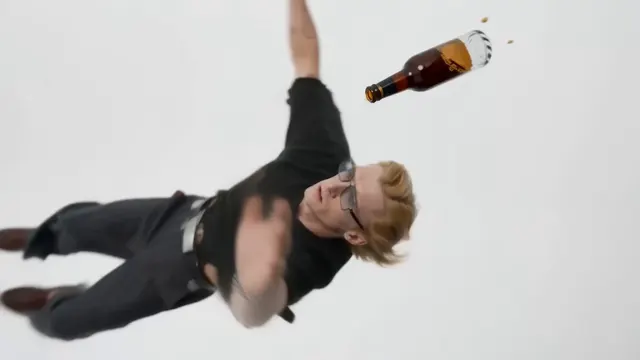
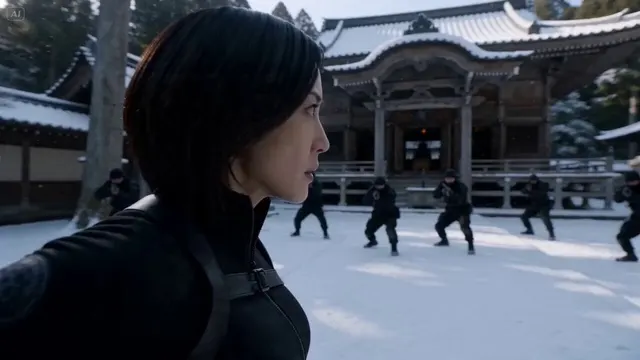
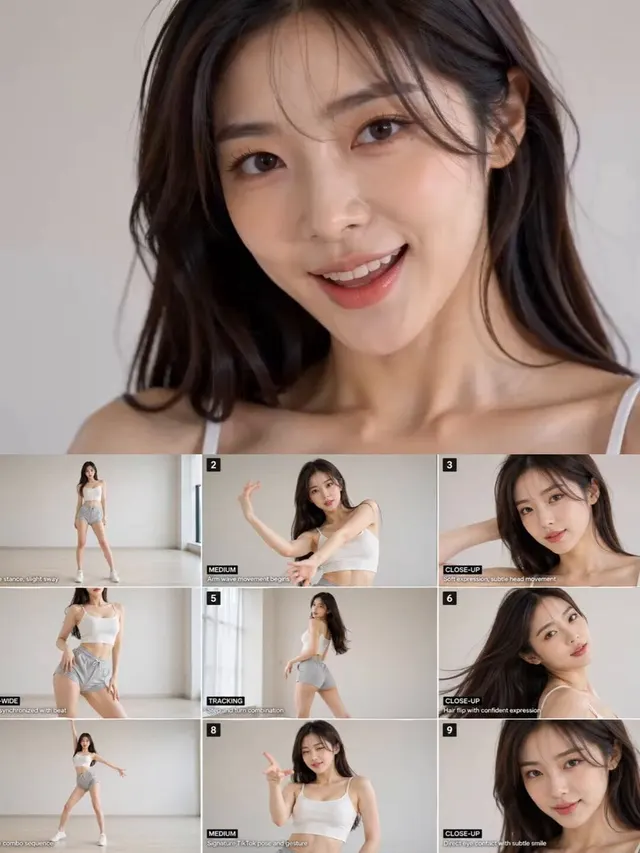
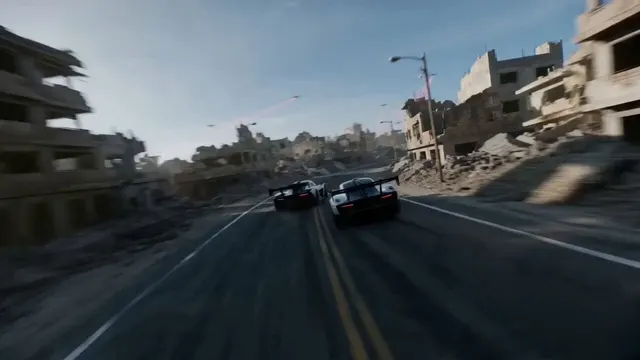
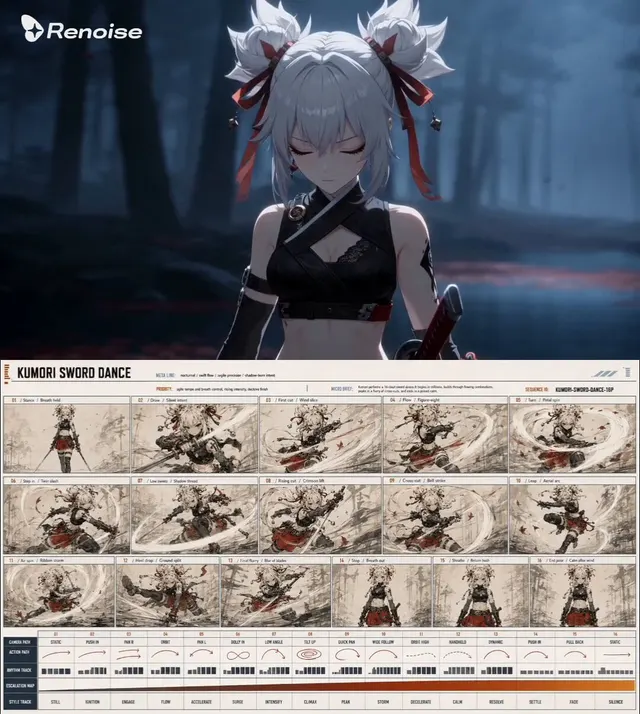
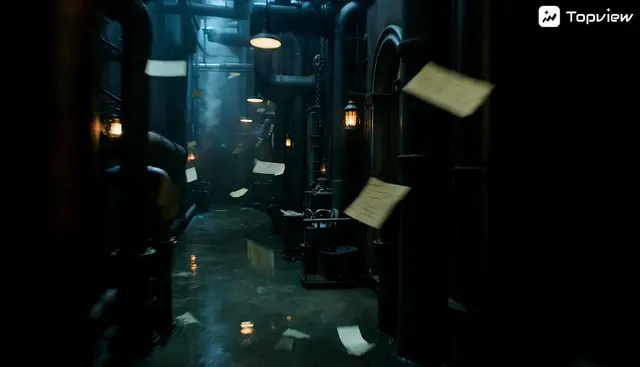
Create structured AI video prompts with action, camera movement, pacing, lighting, and visual direction.
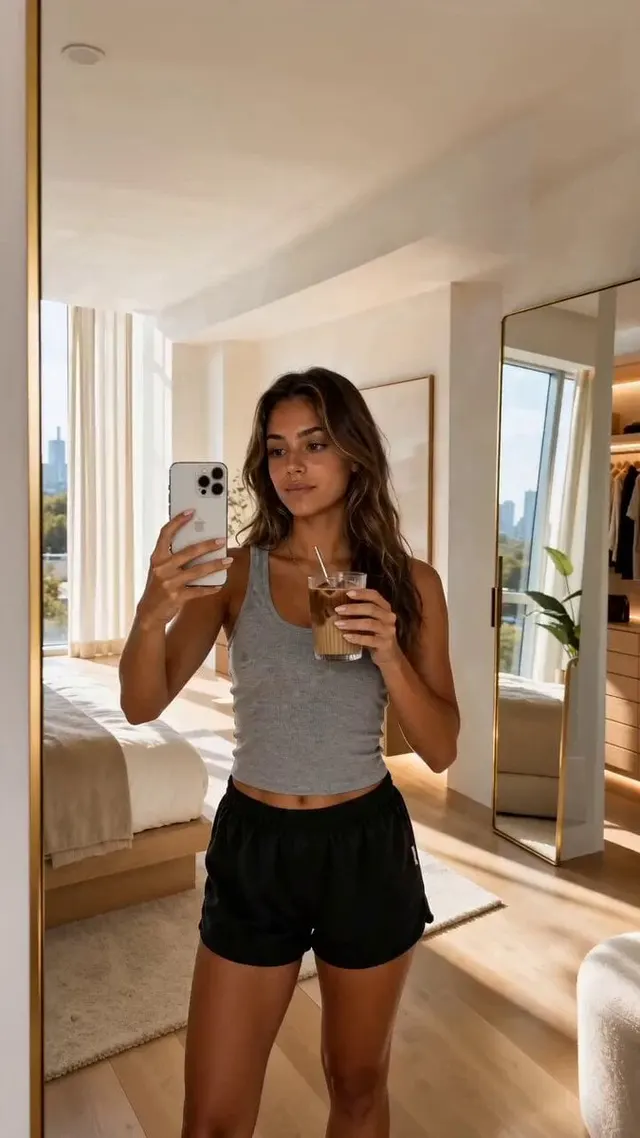
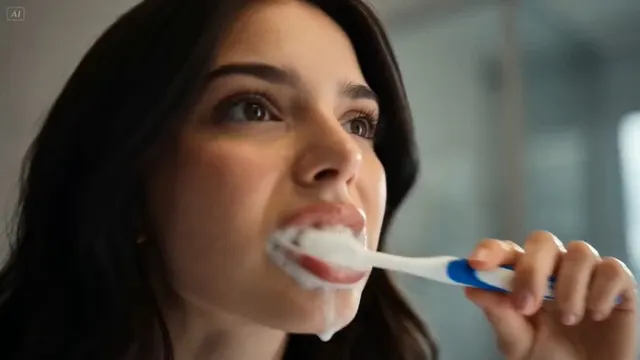
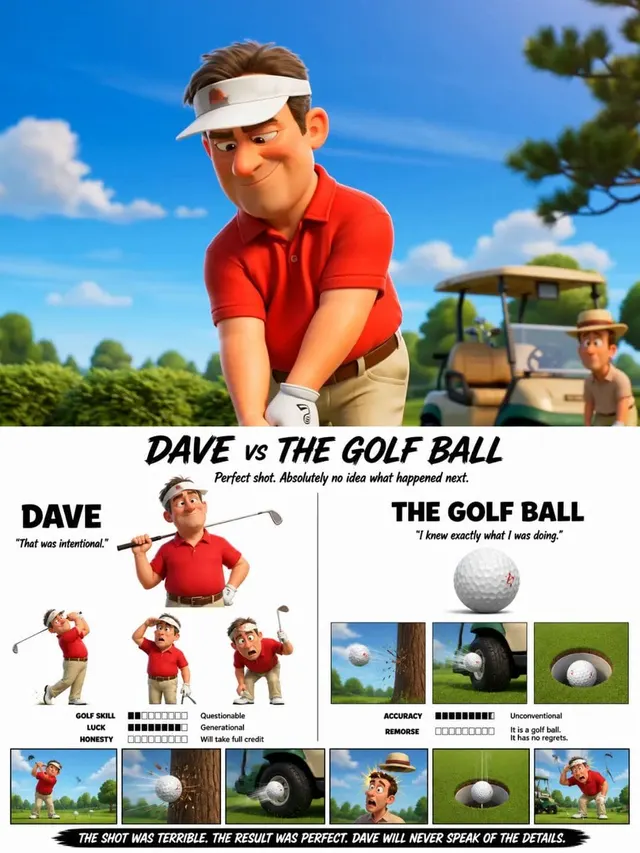
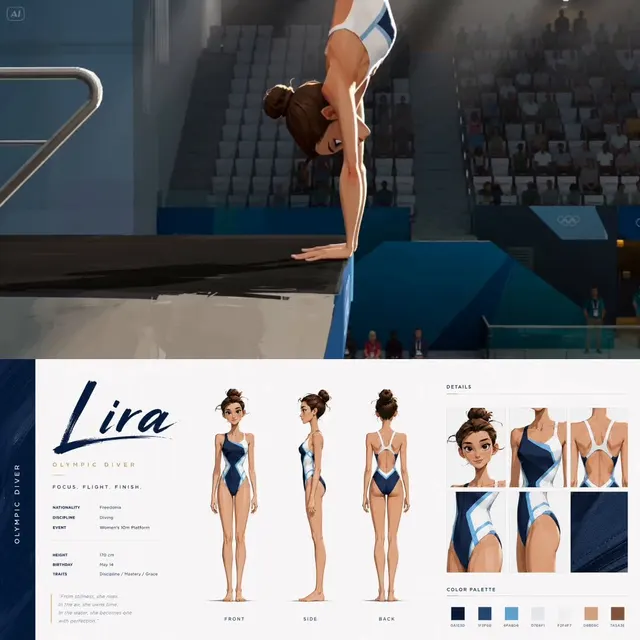
Use the generator for cinematic shots, product reveals, social clips, character motion, transitions, and environmental scenes. The prompt can be adapted for Veo, Seedance, Runway, Kling, or another AI video model.
Keep the task, context, constraints, and output direction together in one focused workflow.
The result follows the language of your text input, with the interface language used as a fallback.
Signed-in generations are saved to your private account history and can be deleted there. Anonymous requests are not saved, and source image addresses never enter history.
Results are presented in a clean format so you can copy, review, and adapt them immediately.
Describe what changes during the shot, where the camera moves, how fast the action unfolds, and what should remain consistent from the opening frame to the final frame.
Move from a rough idea or source image to a useful starting point in one focused step.
The workflow adds the details, organization, and output direction that are easy to miss manually.
Treat the result as an editable starting point and refine it for your audience, model, or project.
Use the result with the model, builder, or workflow that fits your project.
Use clear subject and camera verbs, avoid stacking unrelated actions, and separate complex sequences into individual shots when the model struggles with continuity.
Enter the text, idea, or draft you want the tool to process. Specific context usually produces a more useful result.
Describe the scene, generate the prompt, and adapt it for your AI video model.
Check the result, copy it, and adapt any details before using it in another model or workflow.
Duration, aspect ratio, seed, motion strength, reference frames, and negative prompts are model-specific. Set those controls in the video tool after copying the descriptive prompt.
Create structured AI video prompts with action, camera movement, pacing, lighting, and visual direction.